
Wonderscope is an iOS app for kids that uses Augmented Reality to transform ordinary spaces into extraordinary stories.
I heavily participated in work surrounding experience design and visual design, taking charge of the 2D menu systems and participating in design workshops to determine the best onboarding experiences for our AR components. I am currently in charge of all UX and visual design for new features that will be launched on Wonderscope in the future.
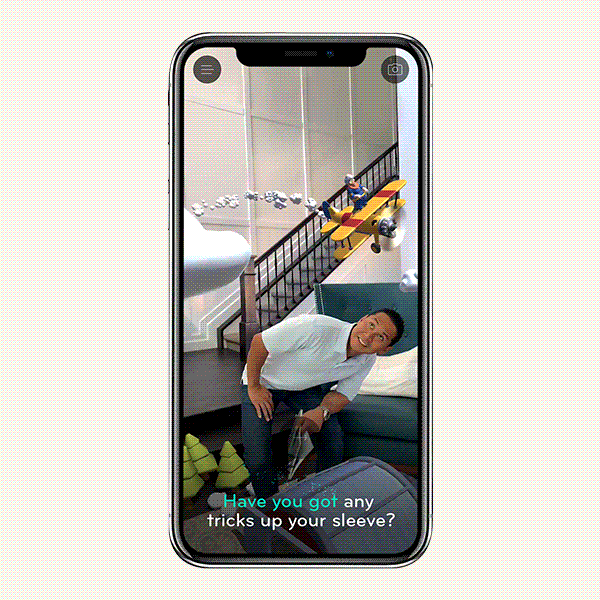
Key Interactions
Reading Out Loud
The main interaction is that kids need to read lines out loud in order to continue the story they are experiencing. These lines are written in order to place the kid within the story as a character.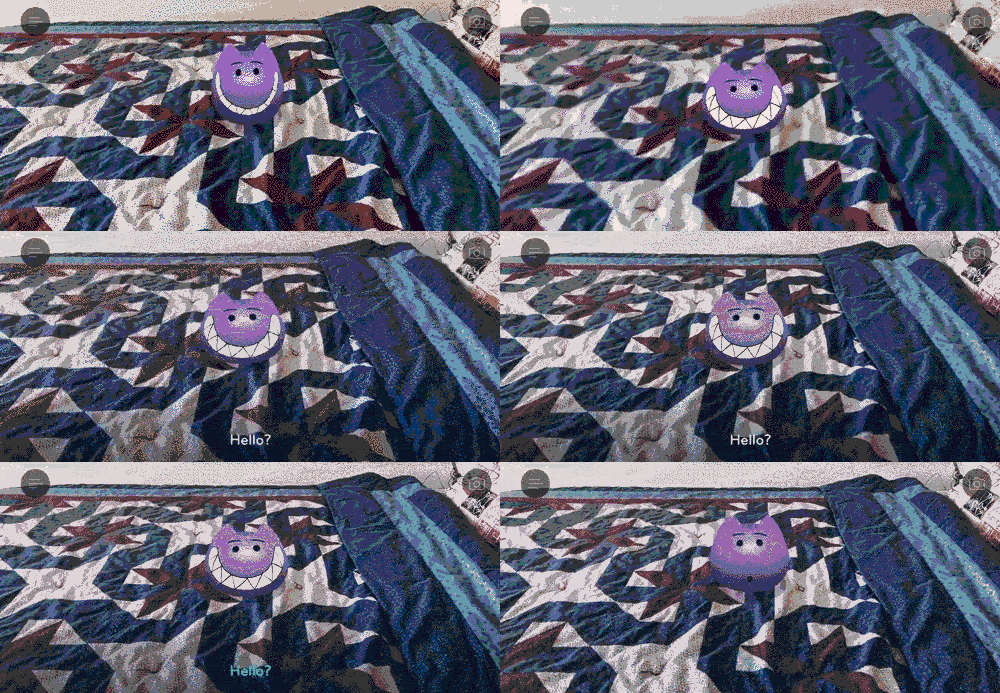
Exploring the Environment
Some interactions in the stories require the kids to look around their environment in order to continue the story. This interactions are often find-the-object interactions, where objects to find are scattered around their environment and they have to find them and tap on them in order to proceed.Onboarding Experience
Story as Driver
Contrary to many onboarding flows, we expanded rather than limited the number of steps in the onboarding flow, turning it into a narrative sequence.This was due to a few reasons:
- Our users are young kids who often have to ask permission from their parents before accepting any permissions requests. Since permissions are essential to using the app, we needed to empower them with the knowledge they needed to explain to their parents the importance of giving us permissions.
- A narrative experience makes the process enjoyable for kids, as opposed to another tedious step they need to do in order to access the content.
- A narrative experience allowed us to provide a character that could be a guiding figure to the kid. This guiding figure is important because it allowed our instructions, both in onboarding and in later AR set up, to feel more friendly rather than authoritative. We named him Blob.
Response and Results
The main interaction is that kids need to read lines out loud in order to continue the story they are experiencing. These lines are written in order to place the kid within the story as a character.If you have an ARKit device, go play @WITHIN 's Wonderscope now. Amazing onboarding for AR! I think it's the best I've ever seen - very natural and understandable. The voice interaction works super well. Tell your team: very well done! @nimazeighami https://t.co/mMzU5CDVBu
— Todd Little (@tikilittle) November 14, 2018
Checkout Wonderscope App @WonderscopeApp for AR design inspiration. It has the best AR onboarding process to-date. @nexusstories @milk #designinspiration
— Silka Miesnieks (@silkamiesnieks) November 26, 2018
AR Set Up
Follow the Storycopter
The first time they ever try to set up AR, they will be prompted to follow a hovercraft that makes them wave their phone in a specific motion at a specific speed to map their environment. It also serves to show that they can explore the space around them, as opposed to just staying still while viewing the stories.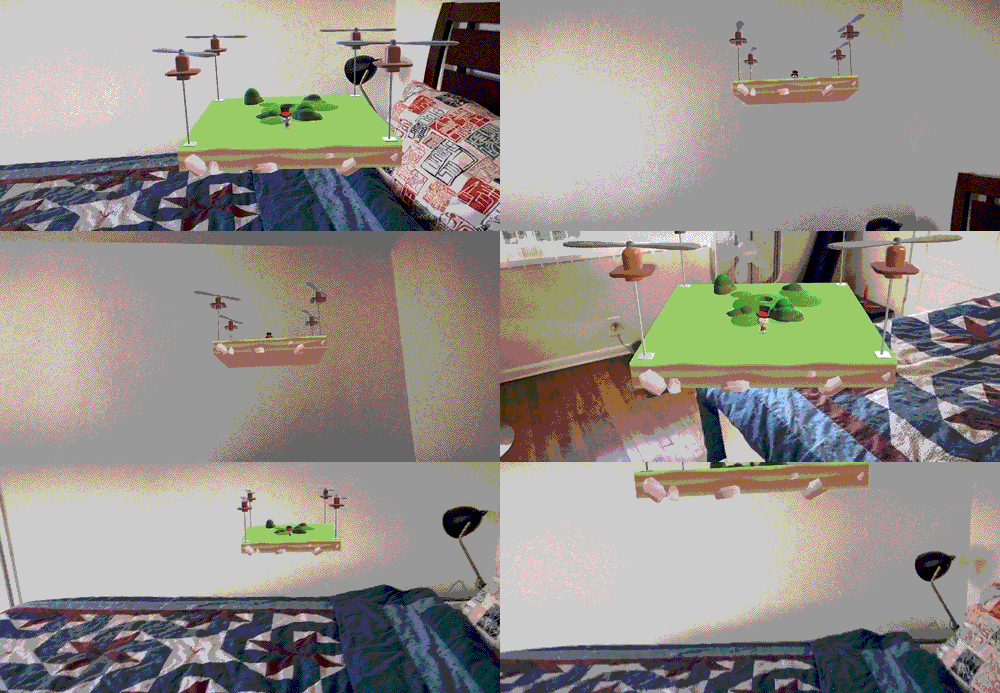
Finding a Plane and Placing the Content
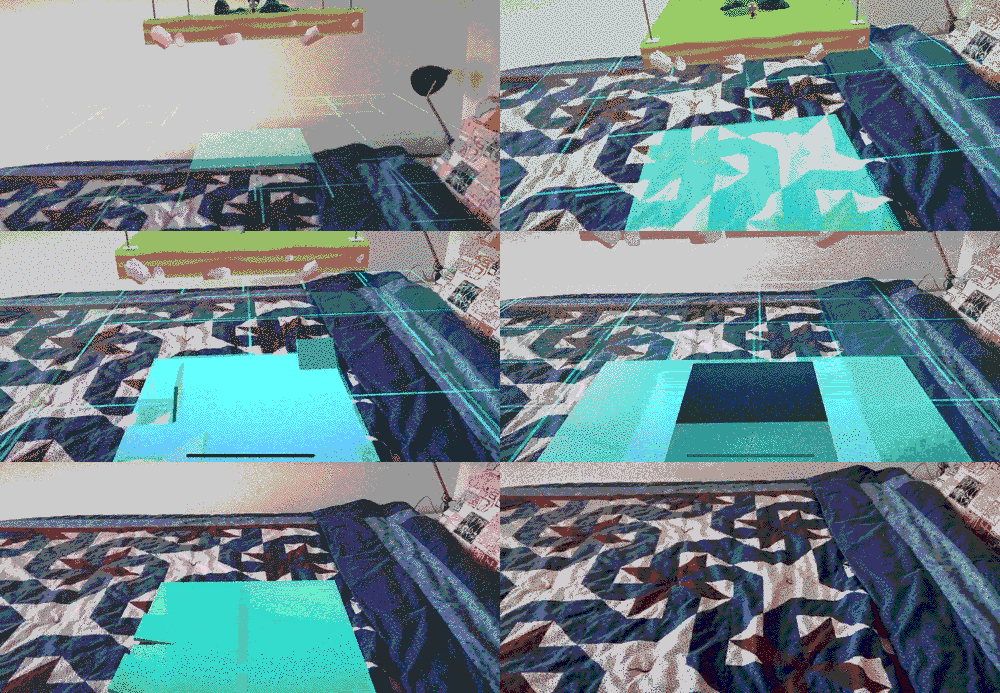
At this point, the user is told to find a flat surface to put their story on. This is very forgiving—users can easily find planes that may not be the ideal size or shape—but we found that users did not mind visual bugs (e.g. weird clipping issues) as much as they minded not being able to find the surface to get the story started.Once a plane is found, usually by the user moving the device around in a similar manner to following the storycopter, the user taps on the surface. A portal opens on the plane as the Storycopter comes in to land. The Storycopter flies into the portal, the portal closes behind it, and the story starts.
Error States
lorem ipsum